
The 'Re-sync button in located in the menu bar when viewing a chart in the chart archive.
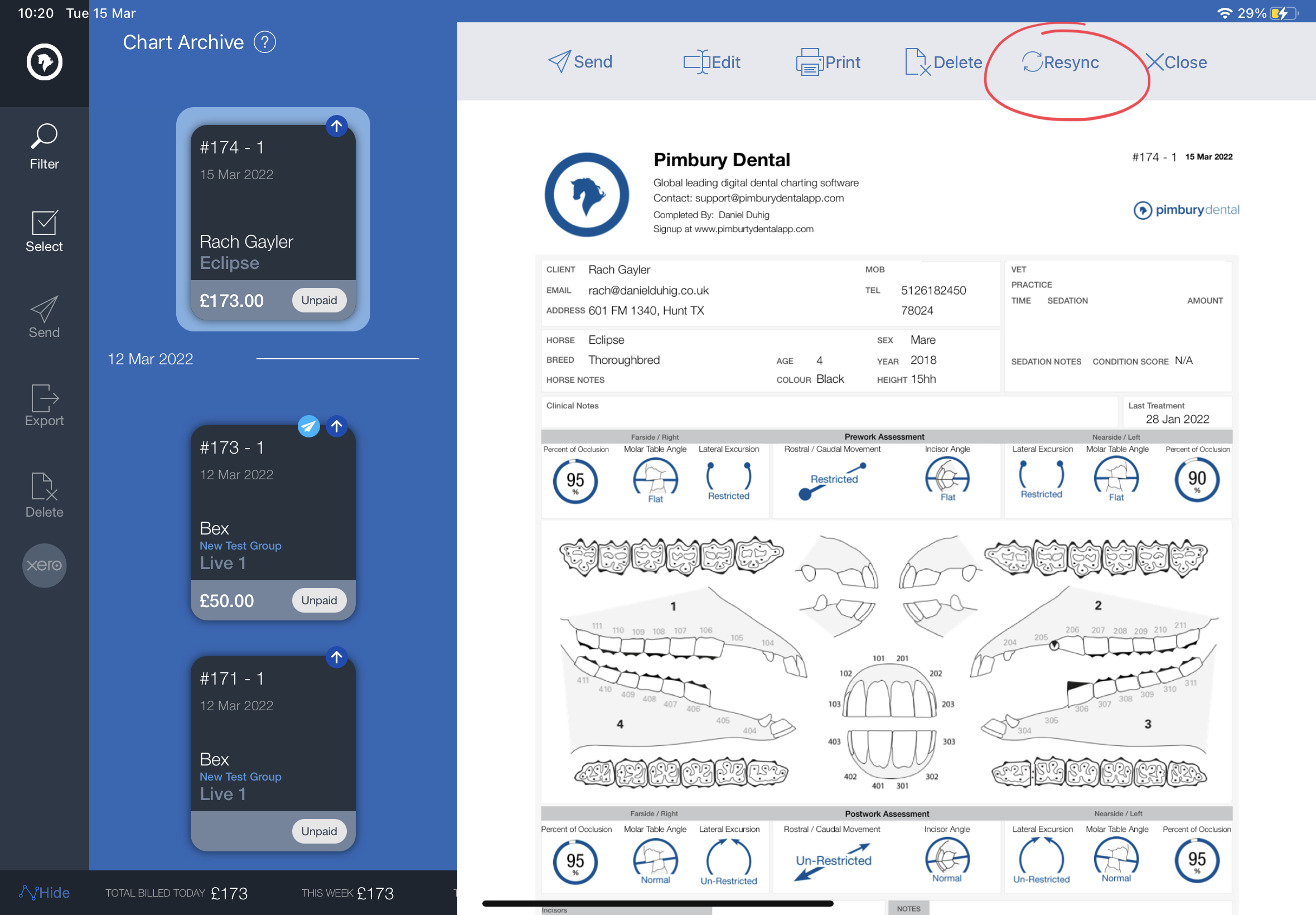
This button is not normally needed for day to day use.
iPad: Tapping RE-SYNC will offer two options:
Push: this will re-upload this chart' PDF and Data to the Pimbury servers.
Pull: this will force the app to re-download the server copy of data if requires.
Android: the RE-SYNC will only force upload of PDF and chart data.
Actions are processed on next app sync from the dashboard.
Editing a chart will mean in is automatically synced, the only times we expect the Re-sync is needed is if your chart settings have changed, such as the logo then you will need to 'Edit' or 'Re-sync' the chart to trigger a updated PDF copy to upload.