
Selecting Client and Horse Record
Tap a client name to select, This will display the horse/Patient list associated with this client.
Tapping a horse name will select and move to Step 2 automatically.
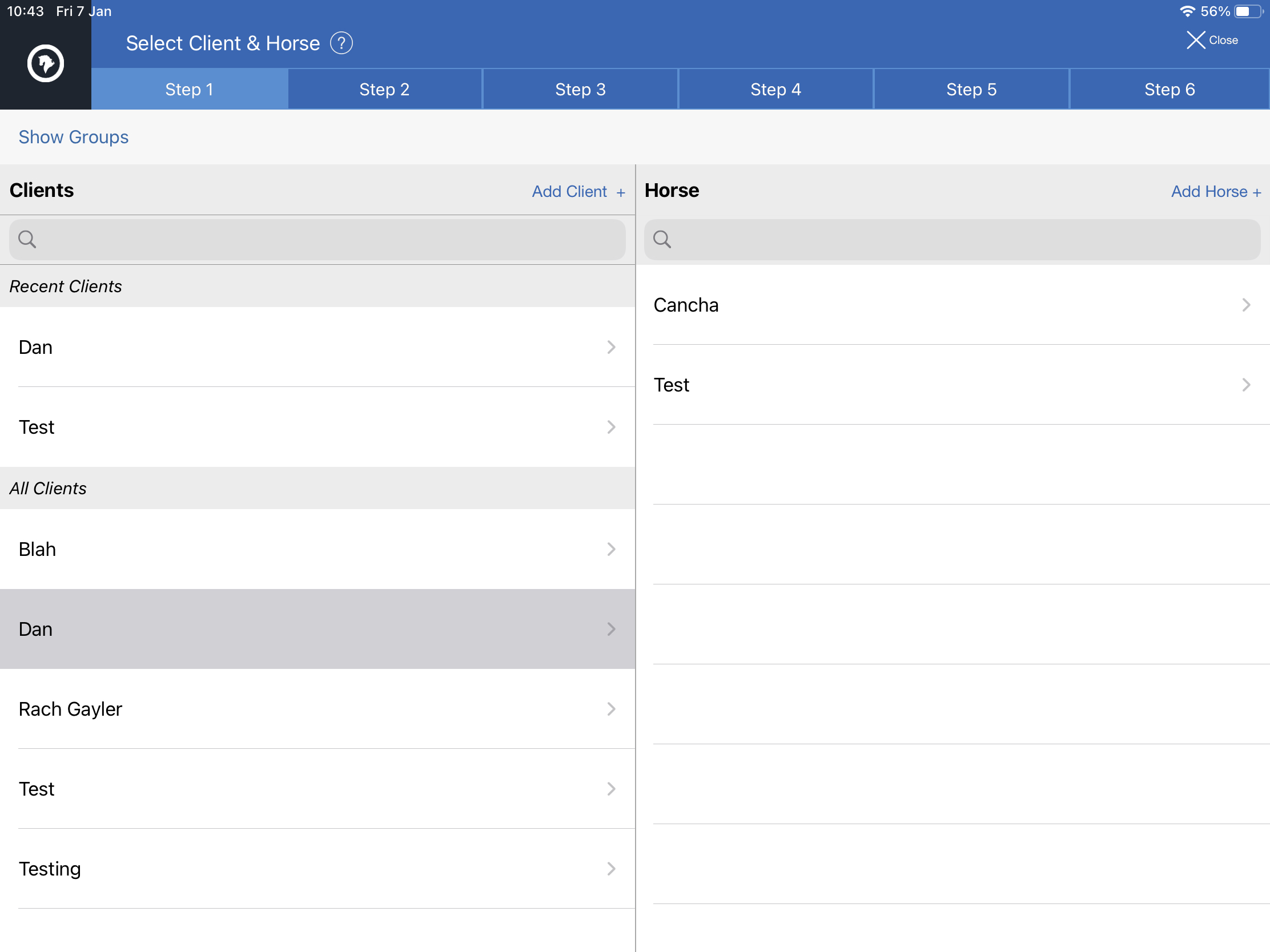
Search
There is a search field on all lists to find clients/horses faster.
Editing records
Simply swipe left on the Client or Horse row to display the Edit button.
Adding Records
At the top right of each list is a button to add a new record. Tap to display the add record popup.